
Reading tracker · web app
Book Tracker
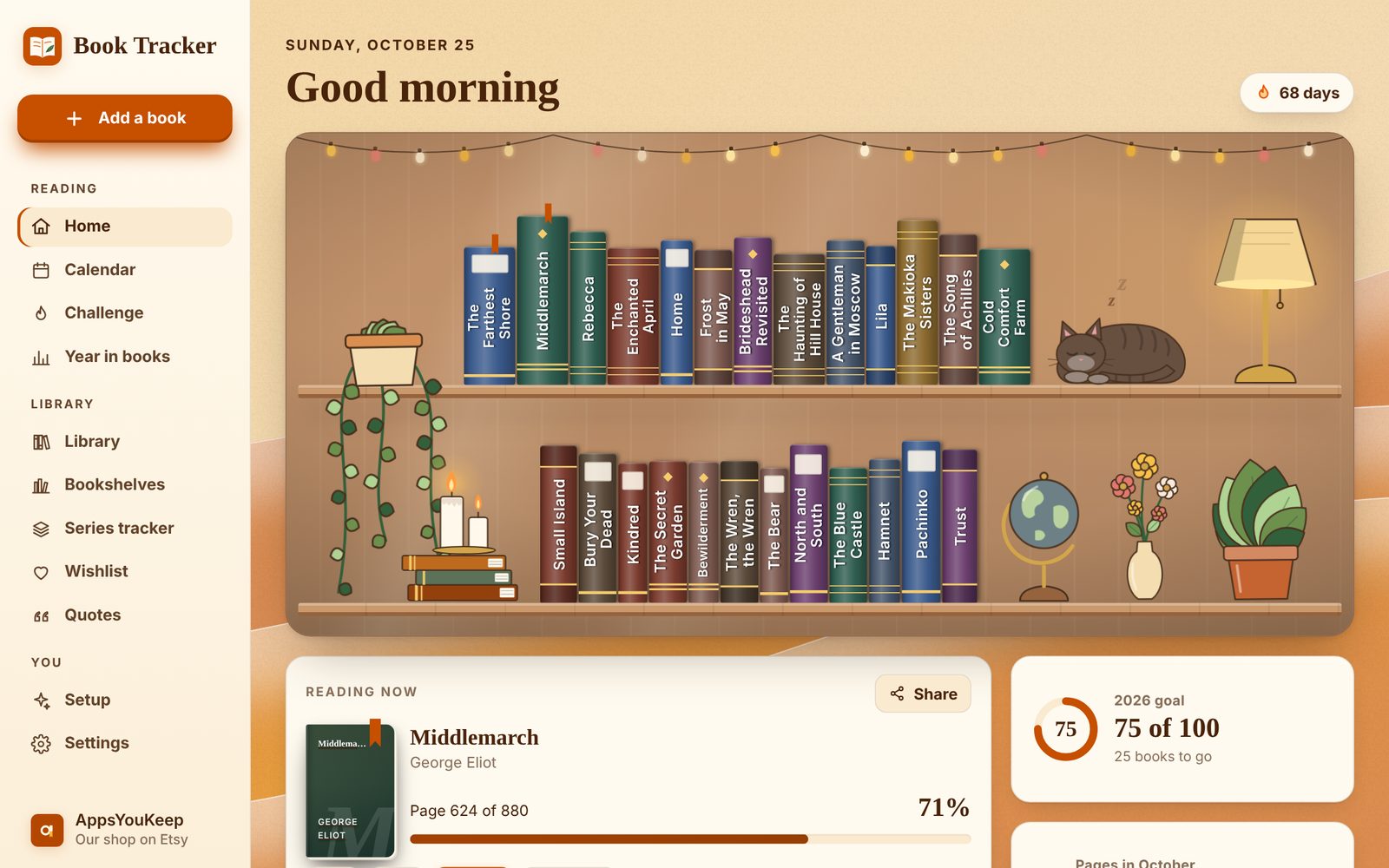
Your reading life on your own device. Track pages, minutes and audiobook time, set a goal for the year, keep your reading streak and see your year in books — on a computer and on your phone. You buy it once: no account and no subscription.
- Pay once
- Works offline
- No account
- Your data stays with you
What it does
Add books your way
Search by title or author, type the ISBN, or scan the barcode with your phone’s camera — details and covers come from Open Library. No match? Add it by hand and snap your own cover. Coming from Goodreads or StoryGraph? Import your CSV export.
Log your reading
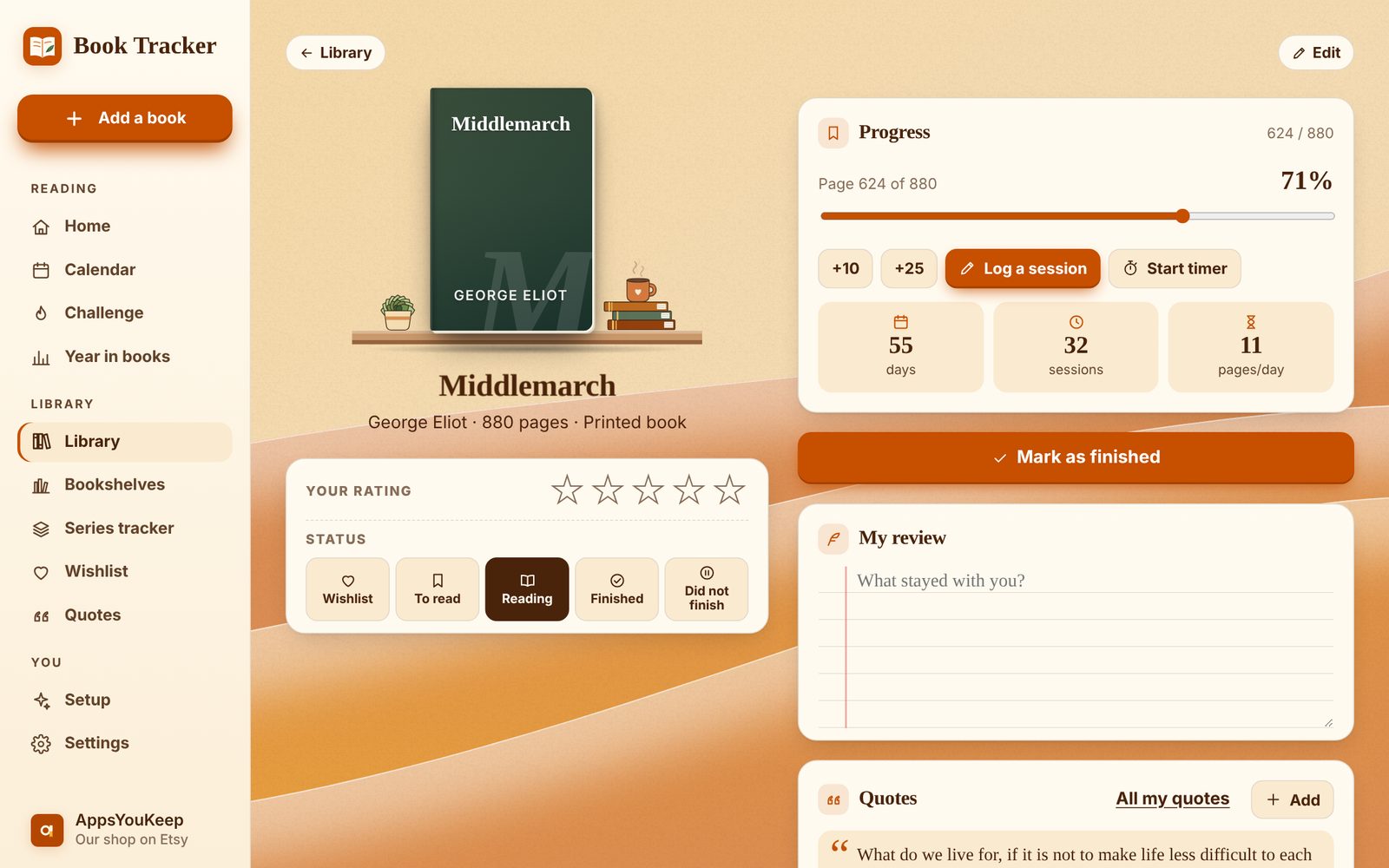
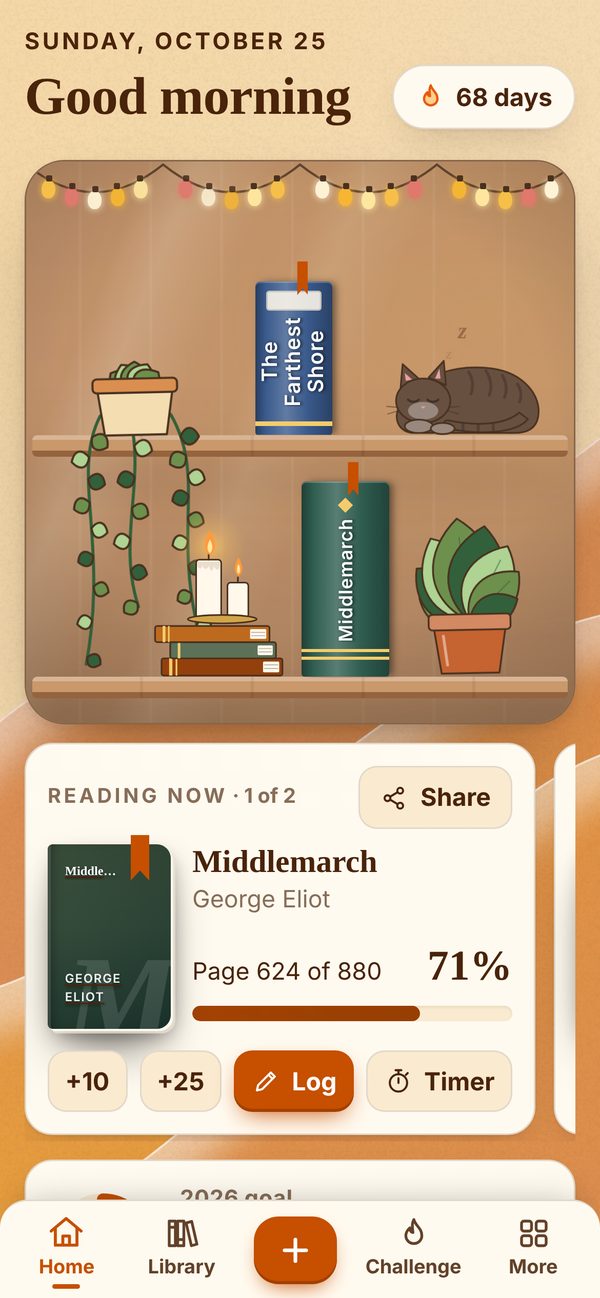
Pages for printed books, percent for e-books, hours and minutes for audiobooks. +10 and +25 in one tap, the full log with the day (Yesterday is one click), or a reading timer that keeps running when you close the app.
Every book has a page
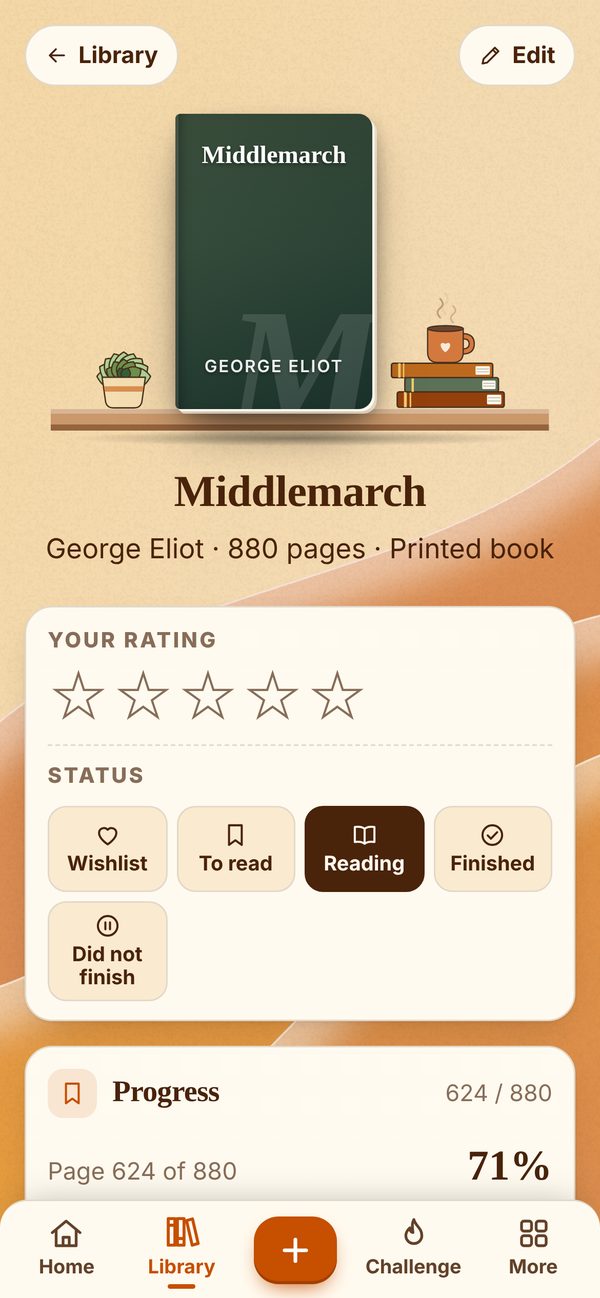
Ratings with half stars, your review, the quotes you love, every reading session, finishing with a little celebration, re-reads that count as new reads, and “did not finish” — with where you stopped and why.
Your library
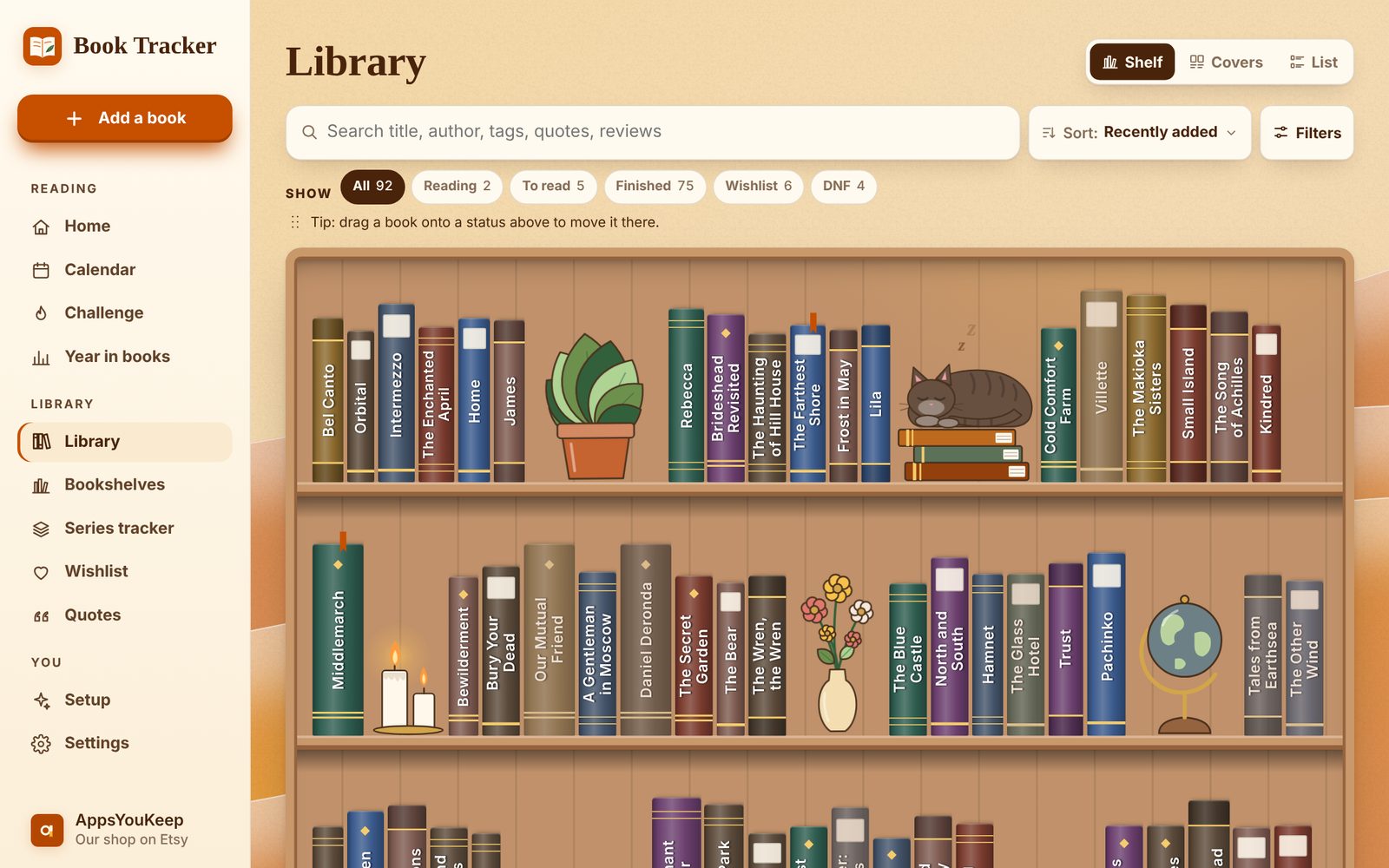
Shelf, covers or list. Sort it, filter it by genre, shelf, format, tag or copy, and search it — even the words in your reviews and quotes. Drag a book onto a status to move it.
Shelves, series and more
Shelves of your own, book clubs with meeting dates, a series tracker, a wishlist with release dates, and due dates for library books — Home reminds you in time.
Goals and streaks
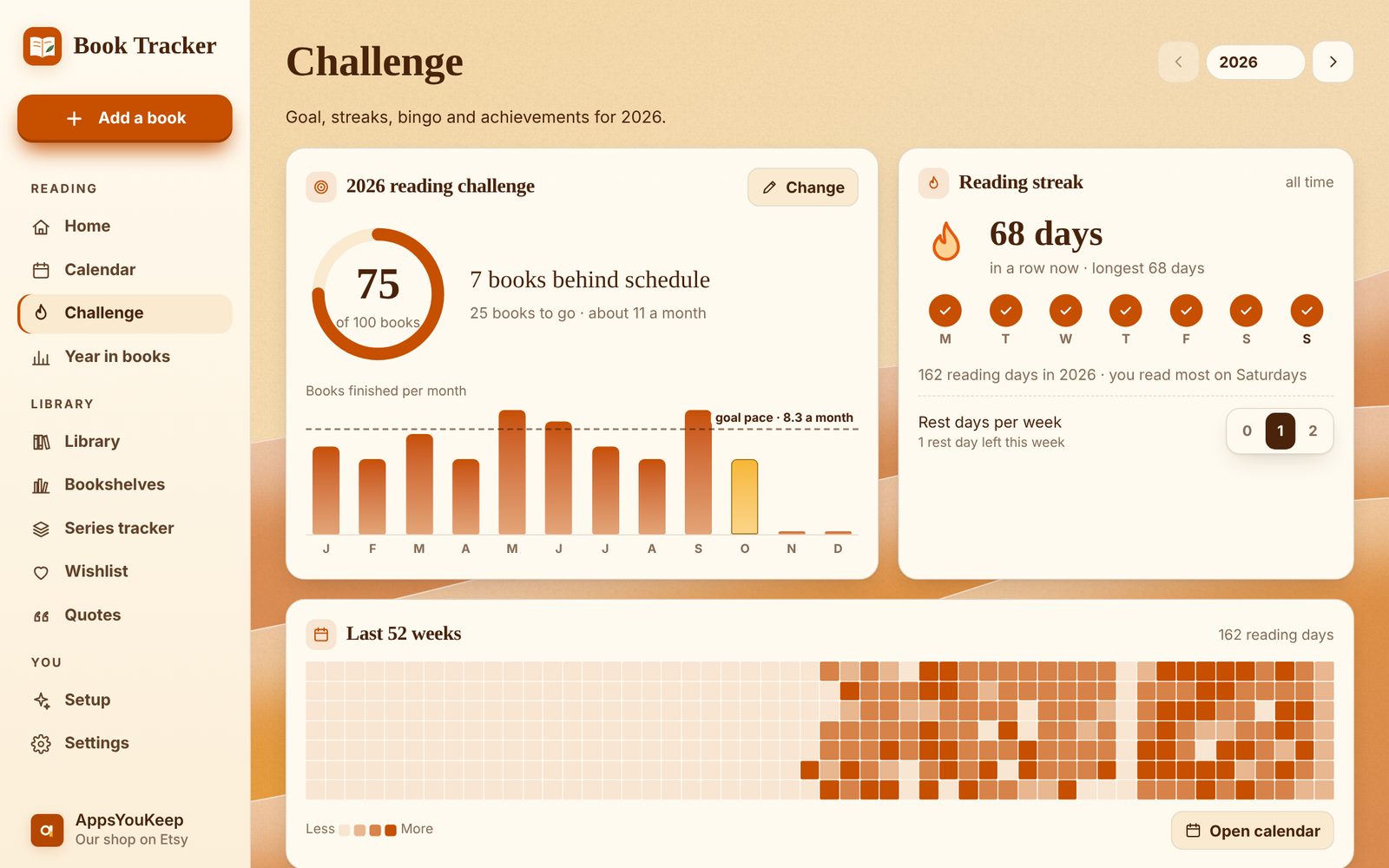
A goal for the year in books — and in pages, if you like. A reading streak with up to two rest days a week, reading bingo that fills itself in, and 14 achievements to collect.
Your year in books
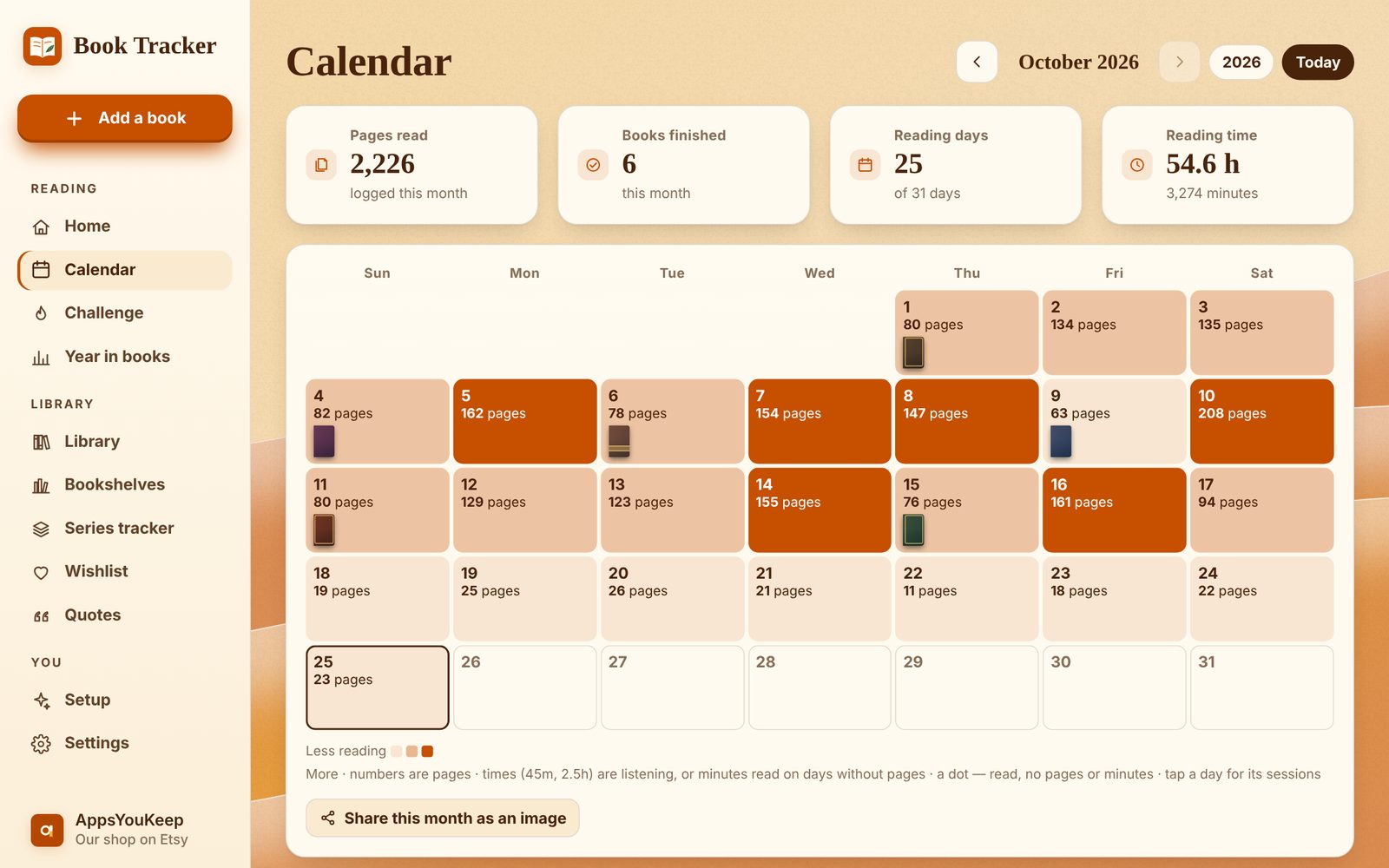
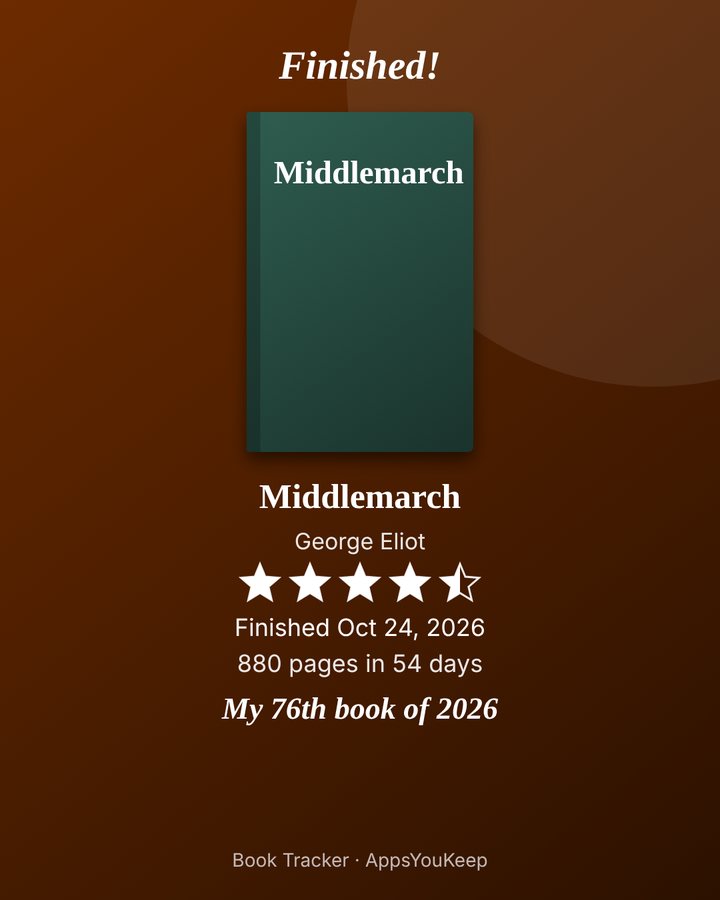
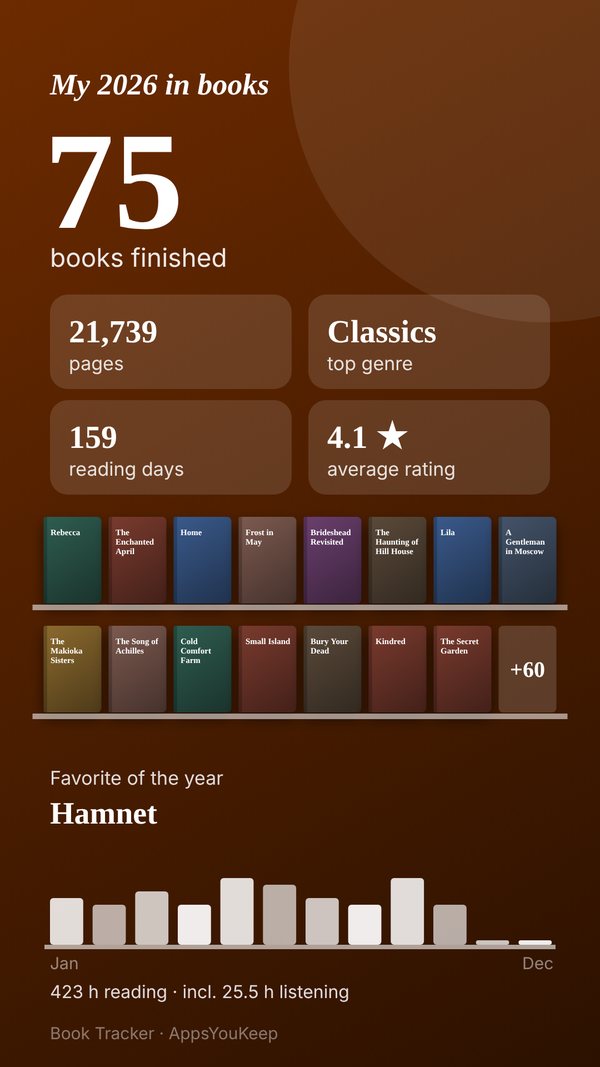
A calendar of every reading day, and pictures to share: what you are reading, a finished book, a quote, a month and your whole year.
Make it yours
33 color palettes, light and dark. Larger text, high contrast and calm decor for easier reading. Reminders appear on Home only — never as notifications.
Your data stays with you
Your books are saved on your device. Back them up to one file and restore it anywhere, export a CSV for Excel or Sheets, and — if you want — keep a copy in your own Google Drive, Dropbox or OneDrive.
A closer look
See every feature
Watch on YouTube
The complete walkthrough — 15 minutes, step by step, on a computer and a phone. With captions, no voice.
Try it first
The demo runs right here in your browser, with a sample library to explore. Add up to 10 books of your own and try everything — logging, the timer, shelves, goals and the share pictures.
In the demo nothing is saved: when you close or reload the page, it starts over. Backup, import, export, cloud sync and installing come with the full app.
How you get it
- Buy it once in our Etsy shop. You get a PDF with your link and your password.
- Open the link in Chrome, Edge or Safari and type the password — once on each device.
- Install it on your computer, iPhone or Android phone. It opens from its own icon and works without internet.
English only. Book details and covers you search for come from Open Library. Questions? Write to support@appsyoukeep.com or message us on Etsy.