
Recipe keeper · web app
Recipe Keeper
Every recipe you love in one cozy place, on your own device. Type them in, paste them from a blog or an email, add them from a website link, or keep a photo of Grandma’s card. Scale the servings, cook one step at a time and let the shopping list add itself up — on a computer and on your phone. You buy it once: no account and no subscription.
- Pay once
- Works offline
- No account
- Your recipes stay with you
What it does
Four ways to add a recipe
Type it in and pick ingredients from your list. Paste a recipe as text — from a blog, an email or an AI chat, even several at once. Paste a link to a recipe page and it fills in the name, times, ingredients and steps. Or snap a photo of a recipe card.
Grandma’s handwriting
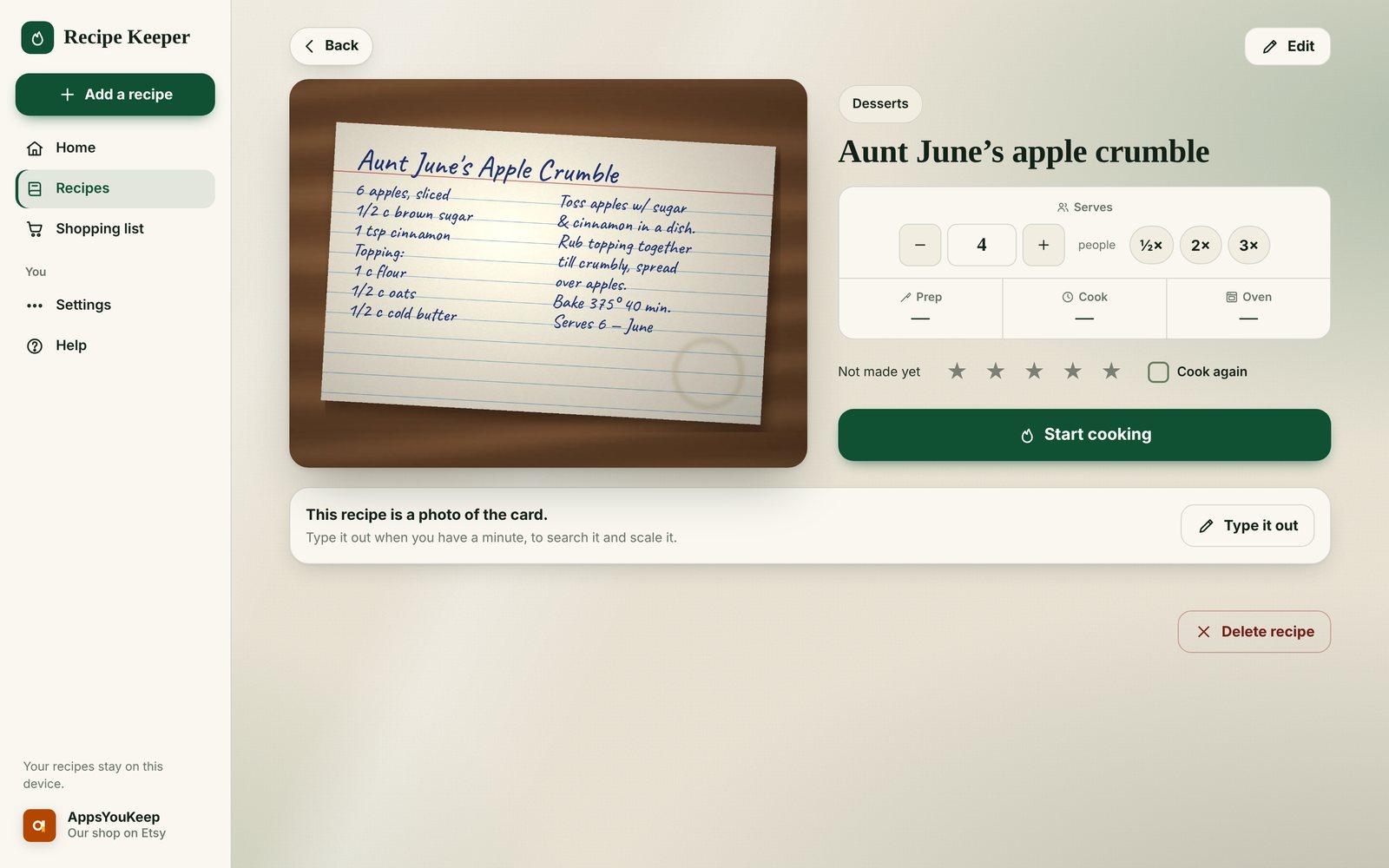
A photo of the card can be the recipe itself. See it full screen while you cook, tap to zoom in, and type it out later — or never.
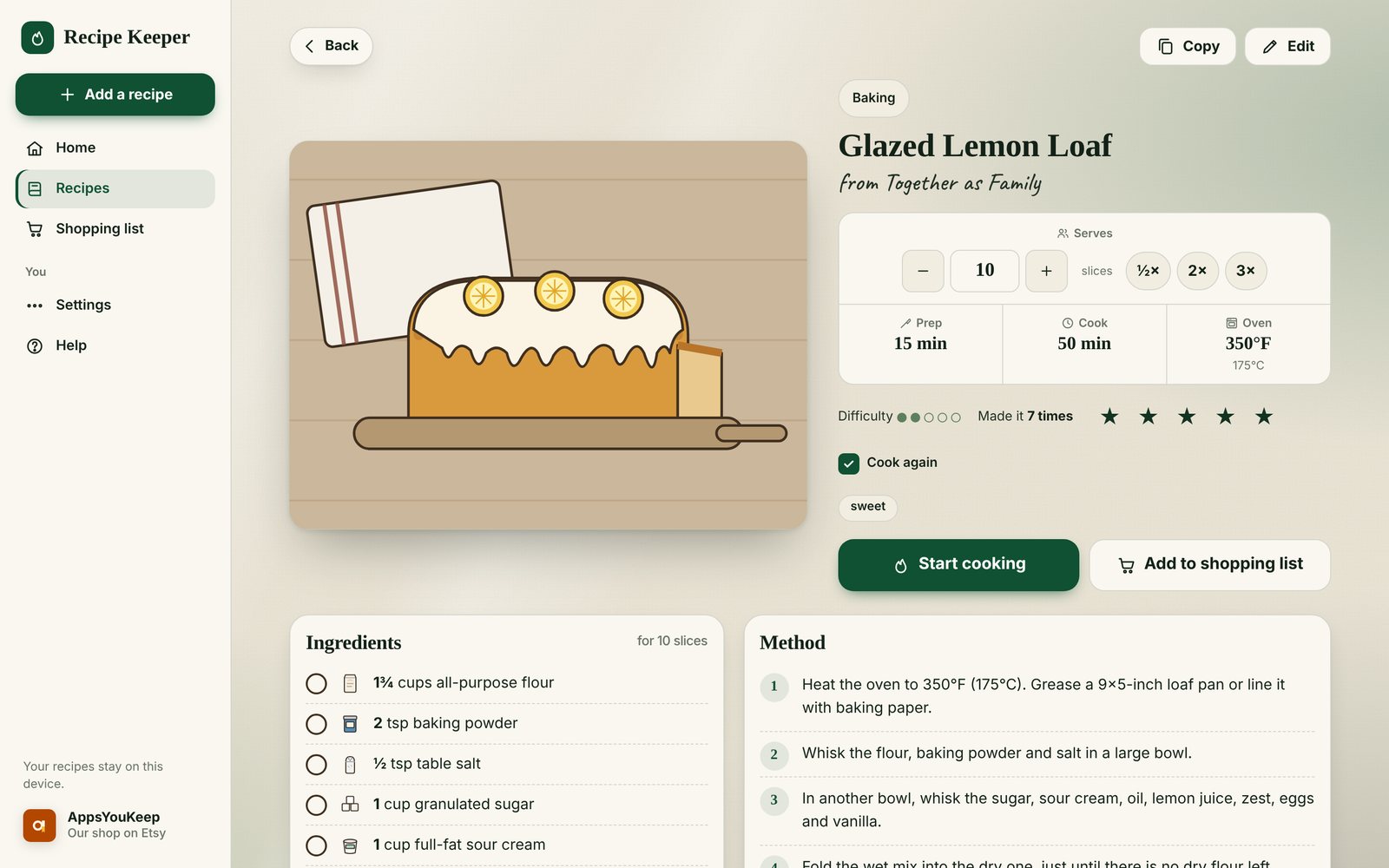
Every recipe on one calm page
Servings, prep and cook time, oven temperature, difficulty, tags, your rating and a “Next time I would…” note in handwriting. Copy sends the whole recipe as text to a message or an email.
Scale and convert
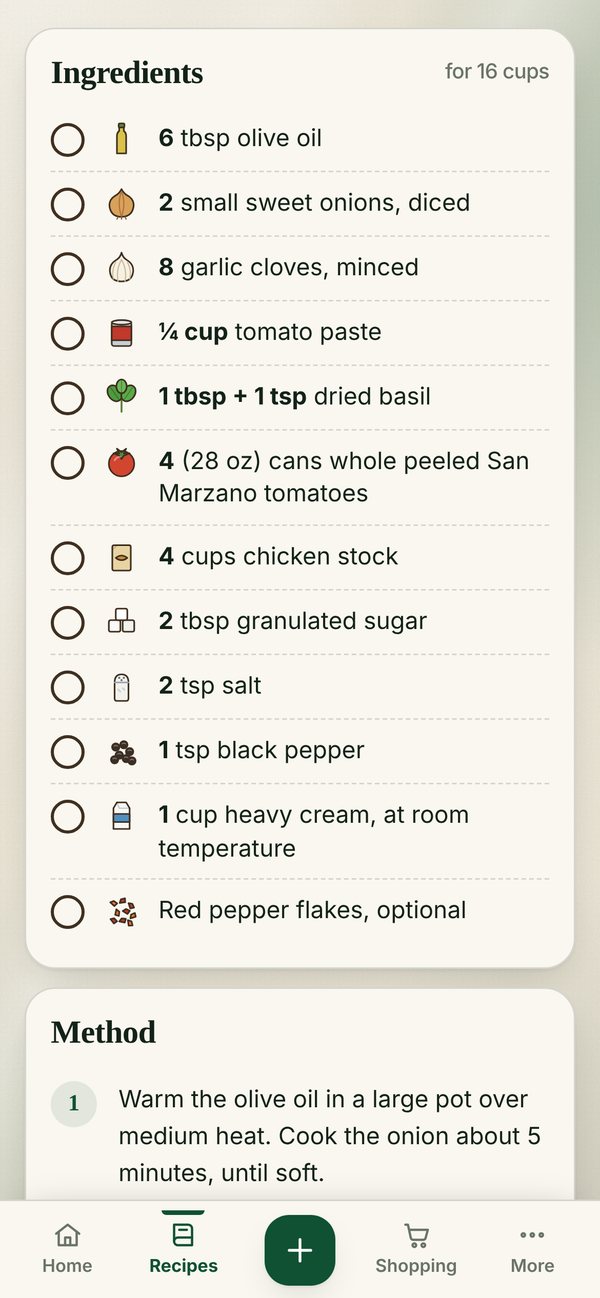
Change the servings and every amount follows, in kitchen fractions like ½ and ¼. Prefer grams? Switch pounds, ounces, °F and inches to grams, ml, °C and cm.
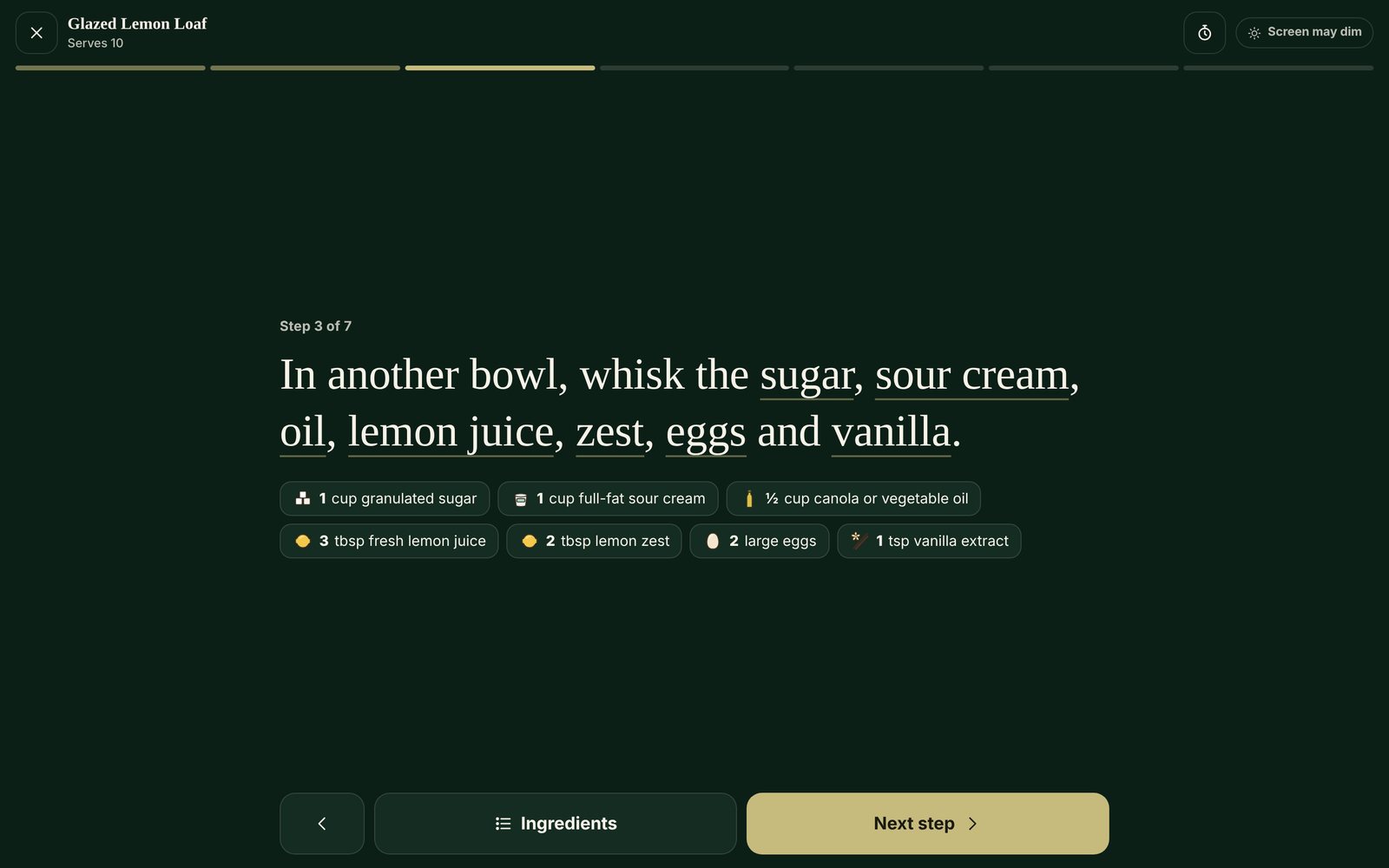
Cooking mode
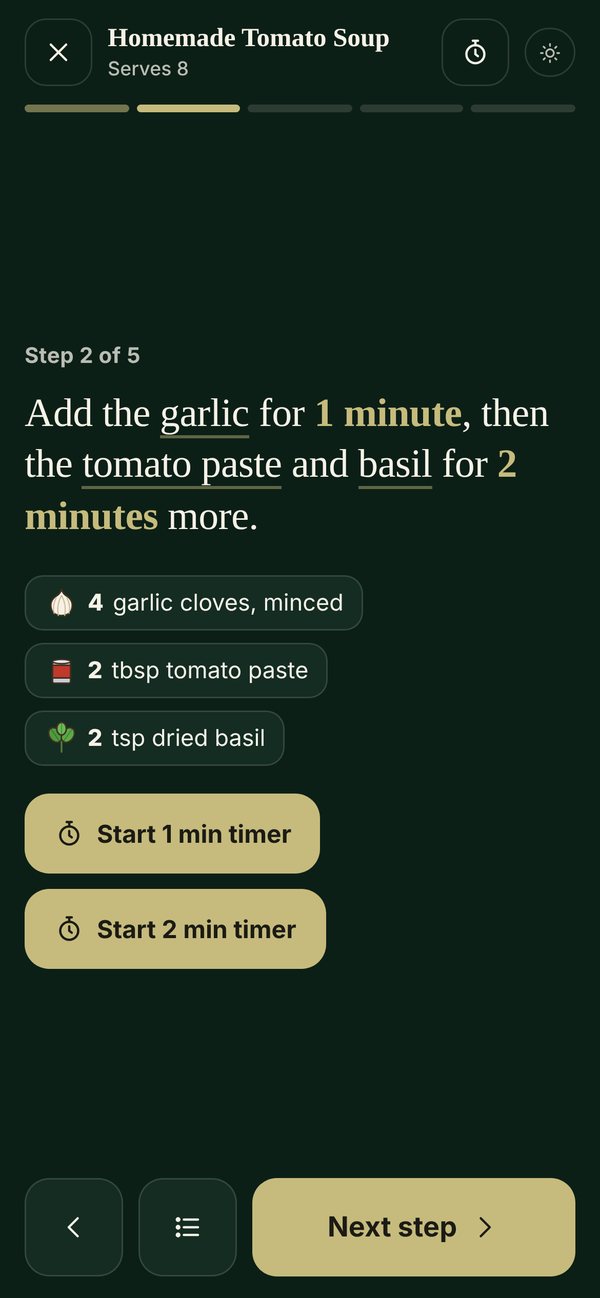
Big text, one step at a time, with the ingredients that step needs. A time in the step becomes a timer button — run as many as you need. The screen stays on where your browser allows it.
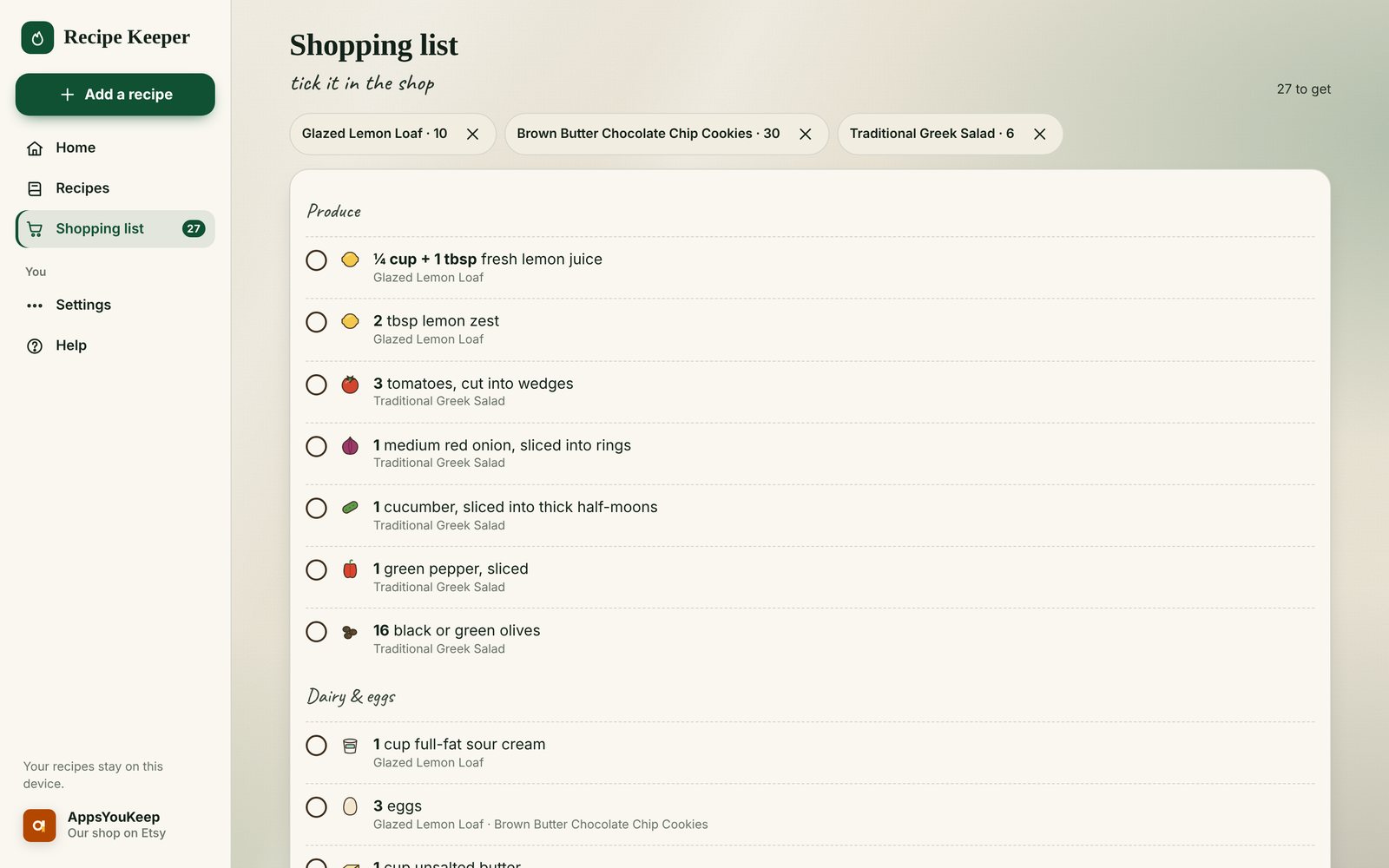
A shopping list that adds itself up
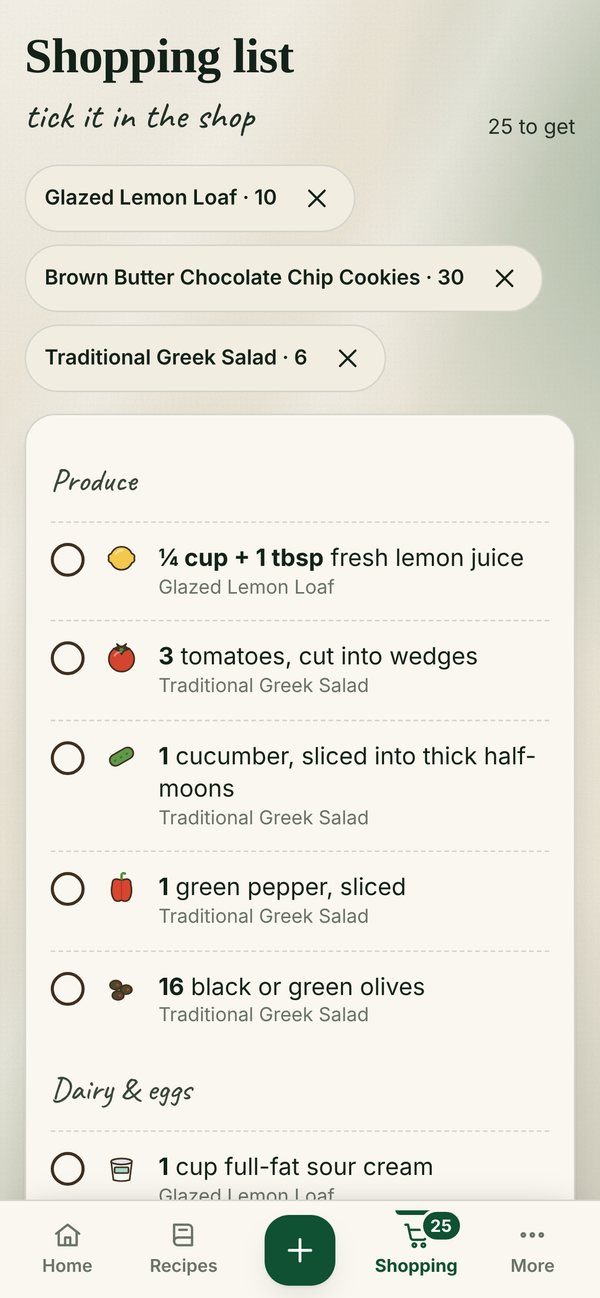
Add recipes with the servings you picked. The same ingredient from several recipes becomes one line, sorted by aisle. Add your own items and tick them off in the shop.
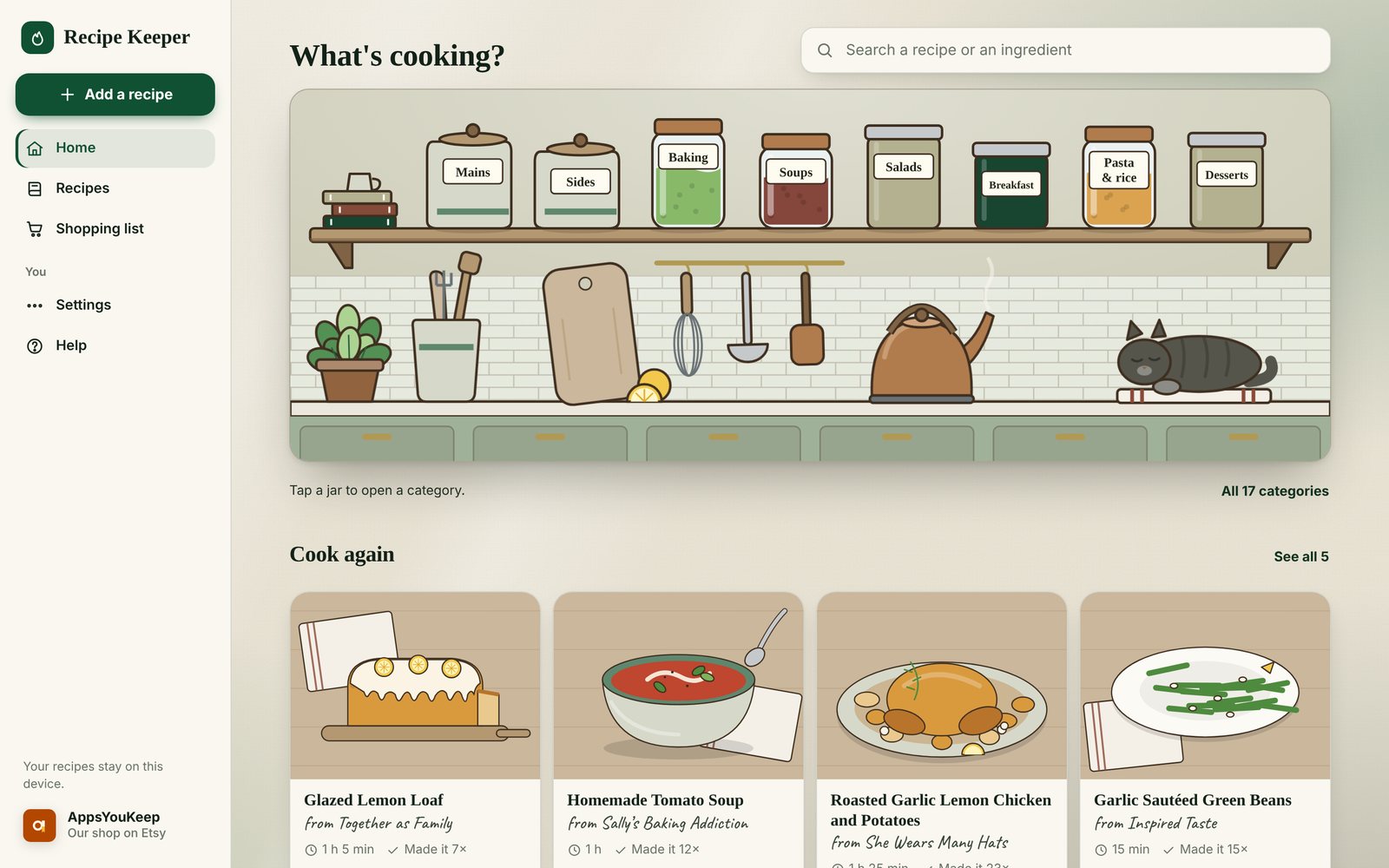
The kitchen shelf
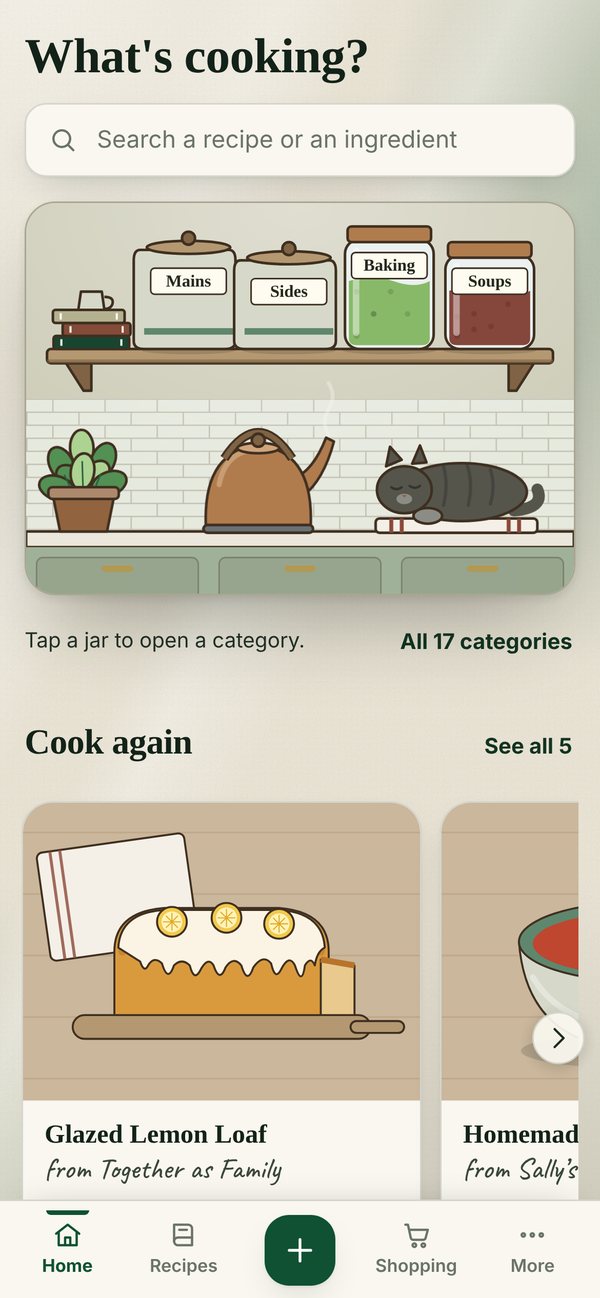
Every jar is one of your recipe categories — rename them, add your own and pick a jar for each, even a cocktail shaker. The ones you cook most stand in front.
Make it yours
33 color palettes and a holiday kitchen that dresses up for Halloween, Thanksgiving, Christmas and more — or turn it off. Larger text for reading from across the counter.
Your recipes stay with you
Your recipes and photos are saved on your device. Back them up to one file and restore it anywhere, and — if you want — keep a copy in your own Google Drive, Dropbox or OneDrive.
A closer look
See every feature
Watch on YouTube
The complete walkthrough — 15 minutes, step by step, on a computer and a phone. With captions, no voice.
- 0:00 Intro
- 0:06 First look
- 0:58 Type in a recipe
- 2:44 Paste a recipe
- 3:56 From a website
- 4:33 Photo of a recipe card
- 5:30 Many at once, edit, delete
- 6:37 The recipe page
- 7:46 Cooking mode
- 9:04 Shopping list
- 10:03 Search and categories
- 11:15 Your recipes, kept safe
- 12:04 Make it yours
- 13:07 Help
- 13:45 On your phone
- 14:44 Where to get it
Try it first
The demo runs right here in your browser, with 8 sample recipes to explore. Add up to 10 recipes of your own and try everything — pasting, scaling, cooking mode, the timers and the shopping list.
In the demo nothing is saved: when you close or reload the page, it starts over. Backup and restore, cloud sync and installing come with the full app.
How you get it
- Buy it once in our Etsy shop. You get a PDF with your link and your password, and a printable gift card.
- Open the link in Chrome, Edge or Safari and type the password — once on each device.
- Install it on your computer, iPhone, iPad or Android phone. It opens from its own icon and works without internet.
English only. Internet is needed only to add a recipe from a website link and for the optional cloud sync. Questions? Write to support@appsyoukeep.com or message us on Etsy.